Photo food diary · Daily health coach
Photograph your meal.
Get a coach who
saw what you ate.
Point your camera at the plate. Triffin’ names the dish, counts the calories and protein, and logs it. No search box, no barcode, no weighing scale.
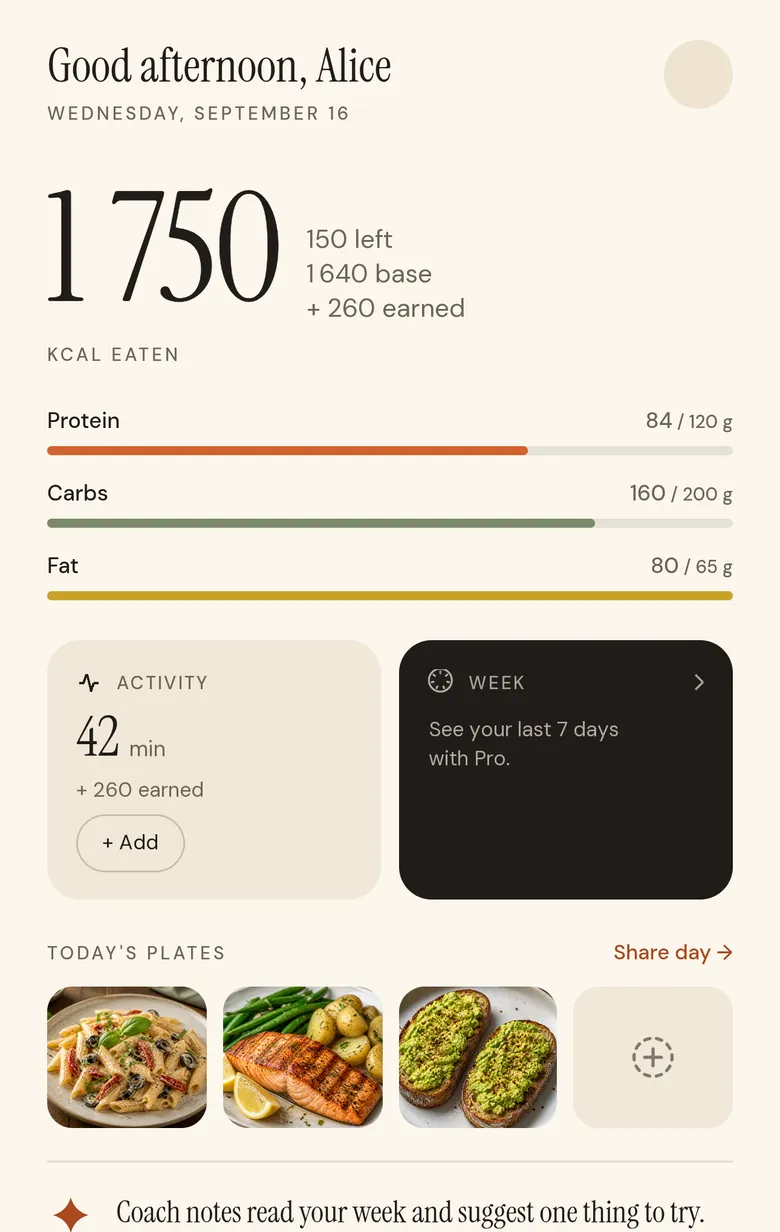
Then it does the part an app usually leaves to you: reads your day, your goal and your training, and tells you what to eat next: the dish on a restaurant’s menu that fits, or a recipe picked for what’s left.

Coming soon on Google Play
Free to start, with free credits every week. On iPhone.
How it works
Three taps, and only the second one is optional.
Point and shoot
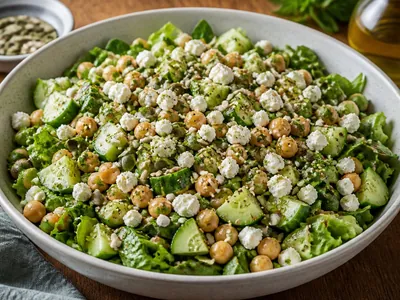
One button on the home screen. No meal type to pick first, no category tree, no deciding whether a sandwich counts as lunch.
Correct it, or don’t
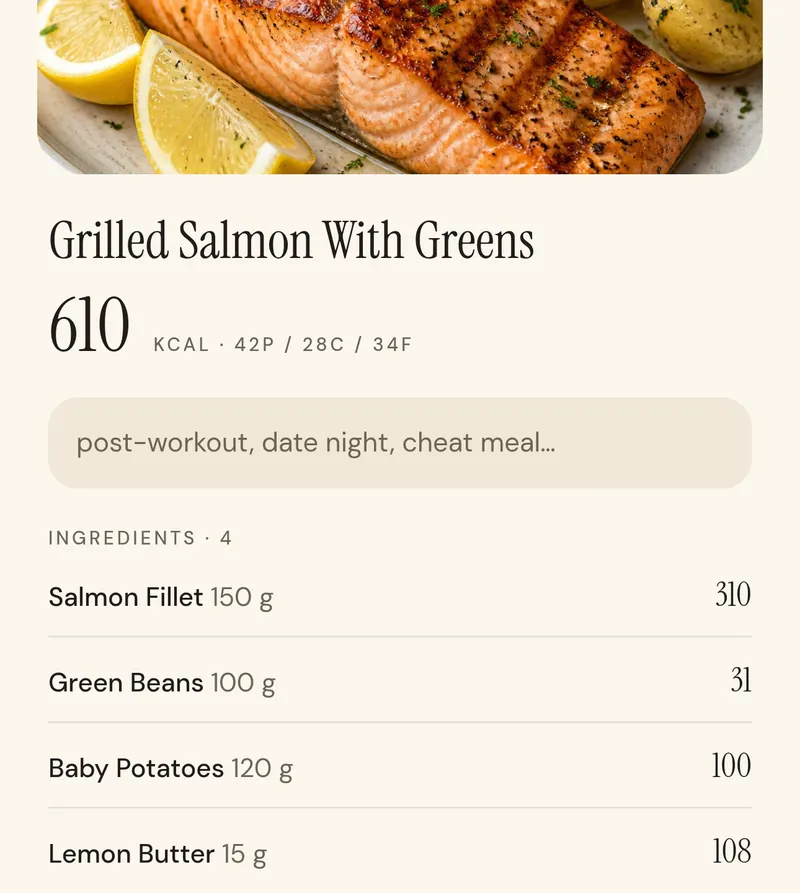
The estimate arrives already filled in. Change the portion, rename the dish, or save it as it stands. Every correction teaches the next one.
The day updates
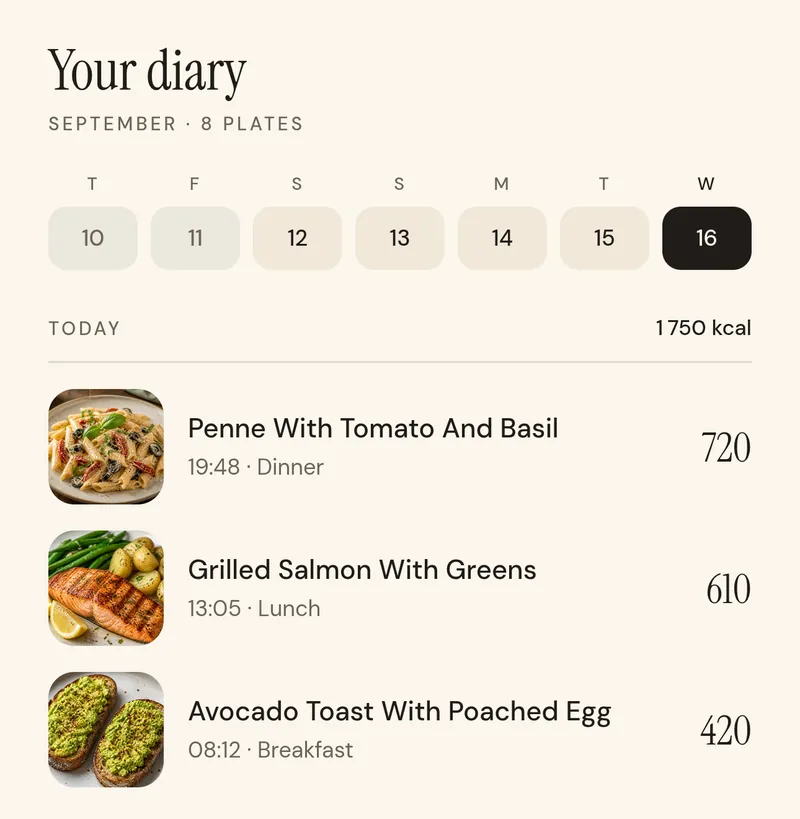
Your remaining calories, your protein, your plates, all on one page. The app closes itself and gets out of the way.
One nudge a day
It tells you what fits. Then it stops talking.
Turn on daily tips with Pro and once a day, Triffin’ reads what you’ve eaten and what you’ve moved, and says one useful thing about the rest of it. Not a lecture, not a wall of charts, not a score to keep up.
Connect Apple Health, WHOOP or Strava and the calories you earn are counted the same way, visible on the track and never quietly folded into the total.
Room for dinner
Harissa chicken fits at 620 and closes the protein gap.
Your photos and your numbers stay yours. Nothing goes to an AI service until you allow it, apart from the safety check on photos you choose to share.
Eating out · Cooking in
It also answers the harder question: what should I actually eat?
Knowing you have 970 calories left is only half of it. Triffin’ turns that number into two real options: the right dish at the table you’re sitting at, or something on your own stove.


The dish that fits tonight
Type the restaurant or photograph its menu. Triffin’ reads every dish, estimates it, and picks the ones that fit your remaining calories and your goal. The ones that don’t fit are still listed, with their numbers.

A week of cooking, planned
Pick the cuisines you feel like, the days you can cook and who’s eating. Triffin’ plans every lunch and dinner from its hand-written recipes, leaves out whatever your diet rules out, and writes the cook sessions and the shopping list.
Pricing
Free to start. Pro when you want more.
The AI features run on credits. Every account gets some free each week; Triffin’ Pro adds a monthly allowance and the features that read your whole week.
Free
Free credits every week for photo and typed estimates, menu picks and recipes. Apple Health, WHOOP and Strava work on every plan.
Get the appTriffin’ Pro
A monthly allowance of credits, the full ingredient breakdown, the coaching tip, the weekly page and daily tips. Prices are shown in the app before you buy.
Get the appPrices are shown in the app and on the App Store before you buy, and can vary by country. Pro renews automatically until you cancel in Settings > Apple Account > Subscriptions.
Log tonight’s dinner with a photo.
Coming soon on Google Play